Online tutoring and teaching have changed a lot over the past decade, especially for seniors who want to keep learning or share what they know.
Today, many older adults join virtual classrooms, either to teach or to learn. This switch creates opportunities and presents unique challenges. In this article, I’ll share what I have learned about building and promoting online tutoring and teaching services specifically aimed at seniors. If you are looking for ways to reach this market or want to support older learners, these insights will help guide your approach.
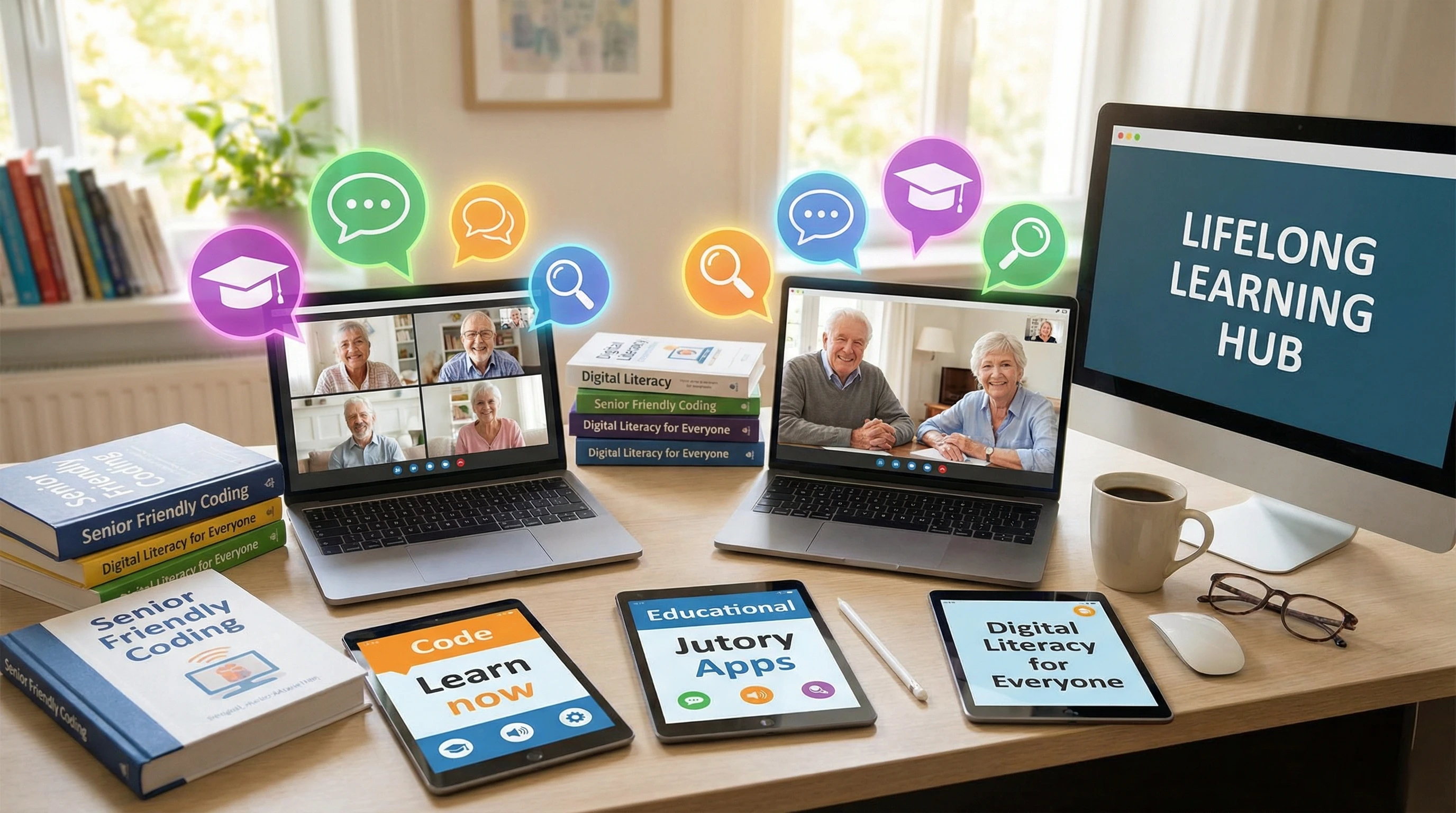
Why Seniors Are Turning to Online Education
I have noticed that more seniors are signing up for online classes than ever before. They look for new skills, want to avoid feeling isolated, or hope to earn a little income by teaching. Senior online education trends show a steady increase in interest for subjects like digital literacy, language learning, art, and even business skills. Many seniors see online education as a way to stay engaged and active, both mentally and socially. In fact, aside from learning, many find purpose in mentoring others, creating a two way benefit in these digital spaces.
Online learning allows seniors to study or teach from home, keep a flexible schedule, and connect with people across the globe. As technology becomes more userfriendly, seniors feel more comfortable using it to learn or earn. Organizations and families also often encourage them to stay curious and involved, especially after retirement. Some seniors may have mobility challenges or health concerns that make in-person classes tougher, so the digital option is a true game changer.
Best Online Teaching Platforms for Seniors
Not every online teaching platform works equally well for seniors. From my own experience and feedback from others in the field, I have found that the best online teaching platforms for seniors are simple to use, offer good technical support, and let tutors connect with students who match their interests and pace. Friendly navigation and large, readable options play a big role, and customer service that’s responsive makes all the difference.
- Teachable: Many seniors like Teachable because of its clear interface and ease of uploading materials.
- Udemy: Udemy attracts those looking to create prerecorded courses, which is great for teachers who want to work at their own pace.
- Outschool: While traditionally popular among younger students, Outschool is opening to adult audiences as well, especially for lessons about hobbies and skills.
- Wealthy Affiliate: Wealthy Affiliate is the world’s most popular, and sometimes controversial, affiliate marketing training course, community, and ecosystem. Some seniors use it to teach digital marketing or to learn how to promote educational content online.
- Zoom: When one on one or small group lessons are preferred, Zoom remains a top choice due to its accessibility and familiarity.
I always suggest test driving a few platforms. Trying out demo classes or support features can help you pick the platform that feels right. It’s helpful to look for platforms with a straightforward onboarding process, so seniors don’t feel overwhelmed right from the start.
Essential Tools and Resources for Teaching Seniors Online
Picking the right tools makes online teaching a lot smoother. The best online teaching tools for seniors are designed with simplicity in mind. Features like large buttons, clear instructions, and easy sign on options all help. A good toolkit should also include visual and audio aids to give learning an extra boost and help students who might have vision or hearing difficulties.
- Interactive whiteboards: Tools like Miro or Google Jamboard let teachers draw or write out lessons in real time.
- Screen sharing and document upload: Zoom’s screen share and Google Drive’s simple sharing options are both friendly for beginners.
- Scheduling helpers: Calendly or Google Calendar simplify meeting management and reduce confusion over class times.
- Email or messaging apps: Remind, WhatsApp, or email notifications keep everyone in the loop but don’t overload users with technical details.
- Closed captioning: Enabling subtitles in meetings or videos helps those with hearing difficulties keep up more easily.
- Easy feedback tools: Google Forms or simple surveys allow seniors to give feedback, helping tutors adjust lessons to the class’s needs.
When setting up a first course, I recommend sending out a simple “tech check” guide and doing a quick trial call to make sure students feel comfortable in the online environment. Also, encourage them to ask about any tech problems before the real lesson begins. Patience in this early step can set the tone for a smooth experience later on.
How to Teach Seniors Online Effectively
Teaching online takes a different approach when working with seniors. Patience, clarity, and a focus on comfort are really important. Many older students value clear instructions, step by step guides, and extra time for questions. They also appreciate a human touch, so a friendly tone and a bit of casual conversation can go a long way in helping them feel at ease within the digital classroom.
- Start simple: I always break lessons into short, clear sections and pause for questions regularly. This helps everyone keep up, especially if they’re new to online learning or the topic in question.
- Repeat and review: Some concepts need going over several times. Providing written handouts or video recordings of lessons lets seniors review material as often as they want.
- Use visuals: Charts, largeprint slides, and lots of images help convey ideas, especially when teaching digital skills or technology tools.
- Encourage interaction: Polls, quizzes, and open Q&A breaks make lessons more engaging and help teachers check that everyone is following along.
- Check progress regularly: Periodic check ins keep seniors on track. Short recap quizzes and asking for questions at the end of each session help build understanding and trust.
I have found that sessions work best when there is space for sharing stories or letting students ask questions about real-life situations. This makes the learning feel more relevant and welcoming. It’s also helpful to allow students to teach something of their own, even informally, it builds confidence and helps everyone learn from each other.
Virtual Tutoring Services for Elderly Learners
Virtual tutoring services for elderly learners are varied and growing. From one on one help with everyday tech problems to ongoing lessons in art or language, these services cover a wide range of subjects. Demand for customized support has also grown quickly, as seniors enjoy picking classes that match their pace and interests.
Some popular examples include:
- Local libraries: Many now partner with tech experts or local teachers to offer virtual classes specifically for seniors.
- Community colleges: Short online courses or tutoring sessions help seniors stay sharp and stumble upon new interests.
- Private tutors: Tutors often advertise through community centers, senior organizations, or specialized websites. Many offer discounts or sliding scale fees for older adults.
- National organizations: Groups like SeniorNet or AARP help connect seniors with online learning options and offer tech support hotlines.
- Virtual support clubs: Some platforms now offer small-group classes that run like support groups. They not only teach skills but help seniors form new friendships online.
Before choosing a service, I check for reviews and ask about available technical support. Reliable help can make a big difference if something tricky comes up. Ask whether there’s a dedicated help desk or if someone will call back quickly in case of trouble. Seniors appreciate steady, reassuring support that reduces any sense of frustration or isolation.
Marketing Your Online Teaching to Seniors
Reaching seniors for online tutoring and teaching is different from marketing to younger groups. I focus on building trust, using clear and direct messaging, and showing proof that classes are easy to join and helpful. Highlighting simple sign-up processes and real testimonials can help nervous newcomers feel safe giving it a try.
- Partnerships matter: Teaming up with senior centers, libraries, or local organizations gets your name out there. These groups often have newsletters, bulletin boards, or social media pages you can use to advertise.
- Wordofmouth counts: Seniors rely on recommendations more than flashy ads. I encourage former students to share their positive experiences with friends and family.
- Offline materials: Flyers, mailed postcards, or even local radio shows still work well. A clear list of steps to get started goes a long way.
- Accessible landing pages: Your website or signup page should have big buttons, simple text, and instructions for getting technical help if needed.
- Followup support: I always let students know where to find help if they get stuck, which builds trust right from the first contact.
- Host free intro classes: Offering a short, no obligation trial lets seniors sample your teaching style and access your help with zero risk.
If your tutoring covers affiliate marketing or digital skills, joining a program like Wealthy Affiliate can help you reach older adults looking for this special knowledge. Be open about what you offer and how you help seniors find their way in online learning. Seniors value honesty and transparency, so include clear answers about class structure, tech requirements, and cost upfront.
Finding Your Way in Online Learning for Seniors: Common Challenges and Solutions
Many seniors face some barriers when getting into online learning. Slow internet, unfamiliar technology, and concerns about online safety are all pretty common. Here’s how I address these problems in my work:
- Device access: I recommend lessons that work on tablets or smartphones, as many seniors prefer these over laptops. Keeping software requirements low reduces confusion.
- Internet problems: Providing class recordings to download later or offering phone based support helps students who do not always have steady connections.
- Learning new tech: Short tech tutorials or simple checklists for setup make it less intimidating. I never assume everyone is familiar with the latest programs.
- Scam worries: Building trust is super important. I guide students through using passwords, spotting fake emails, and finding safe places for online payment if needed.
- Offer printed materials: Sending printed step by step guides and activity sheets can fill tech gaps and make seniors feel prepared even before logging in.
Being patient, celebrating small wins, and checking in regularly really helps seniors become confident online learners. Create a community forum or support group so seniors can ask questions and support each other outside of class as well.
Senior Online Education Trends
The past few years have shown big changes in how seniors learn and use the internet. Demand for virtual tutoring services for elderly learners keeps growing. Based on surveys and updates from tech companies, I have seen a few big trends:
- Diverse topics: Learning is no longer just about health or computer basics. Classes now cover foreign languages, cooking, music, gardening, photography, and even social media safety.
- Longer learning: Many older adults are studying for months or years, not just days or weeks. They want to keep growing and trying new things. Structured programs that encourage lifelong learning are especially appealing because seniors like following a clear path and gradually building their knowledge over time.
- Focus on social connection: Group classes, online book clubs, and hobby groups help fight isolation and make learning more social and fun. Many seniors say these online friendships are now just as meaningful as those in their offline lives.
- Personalized courses: Platforms are beginning to offer tailored learning plans just for seniors, tracking progress and adapting to their interests and pacing.
Industry studies from places like Pew Research highlight that the over-60 crowd is now the fastest growing group joining online education platforms. As more providers notice this trend, expect the selection of classes to keep spreading and the support for seniors to become even more robust.
Best Practices for Engaging Senior Students Online
Successful online classes for seniors have a few things in common. Here’s what has worked best for me:
- Keep tech support ready: I always have a backup plan if the video or audio fails, and I share a plain language “help sheet” at the start of a course.
- Accessible design: Large fonts, strong color contrast, and simple navigation make courses easier to use. Testing your lessons with a senior who is brand new to technology can help spot confusing areas in advance.
- Small groups or individual sessions: Smaller classes build trust, encourage interaction, and help shy students speak up.
- Include family input: Sometimes, family members help set up devices or even join lessons to help build confidence.
- Active participation: Encourage seniors to ask questions, share examples, or help each other troubleshoot. Peer support is a powerful motivator and makes learning more fun.
Taking breaks, asking for feedback, and celebrating progress all keep seniors motivated and involved. It’s also useful to send a summary of what was covered after each lesson, so everyone can review or refer back to it later.
Frequently Asked Questions
I get a lot of questions from new tutors and older students who are trying online education for the first time. Here are a few that come up the most:
Question: What’s the best way to choose a platform for online teaching?
Answer: Try a few platforms with test accounts and see which feels simplest. Look for strong technical support and large, easy to read buttons.
Question: How can I help senior students who are nervous about using computers?
Answer: Share printed guides, offer step-by-step video lessons, and check in by phone when possible. Building confidence goes a long way. Also, highlight early successes and remind students that making mistakes is part of the learning process for everyone.
Question: Can seniors teach as well as learn through these platforms?
Answer: Absolutely. Many seniors enjoy sharing skills or hobbies, and plenty of groups want to learn from their experience. Platforms like Udemy, Teachable, or Wealthy Affiliate help seniors create lessons or mentor younger users.
Question: Are there ways for seniors to earn money teaching online?
Answer: Yes. Many platforms let teachers set their own rate, offer private lessons, or earn through affiliate programs such as Wealthy Affiliate. Some even provide certification for teaching specific subjects. Others offer referral bonuses for bringing in new students.
Wrapping up
Online tutoring and teaching for seniors has become much more approachable, flexible, and rewarding. Whether you’re helping others learn or learning something new yourself, the digital classroom offers options for everyone. By using the best online teaching platforms and tools, paying attention to seniors’ unique needs, and staying aware of the latest trends, I have seen great success in making online education easier and more fun for older adults.