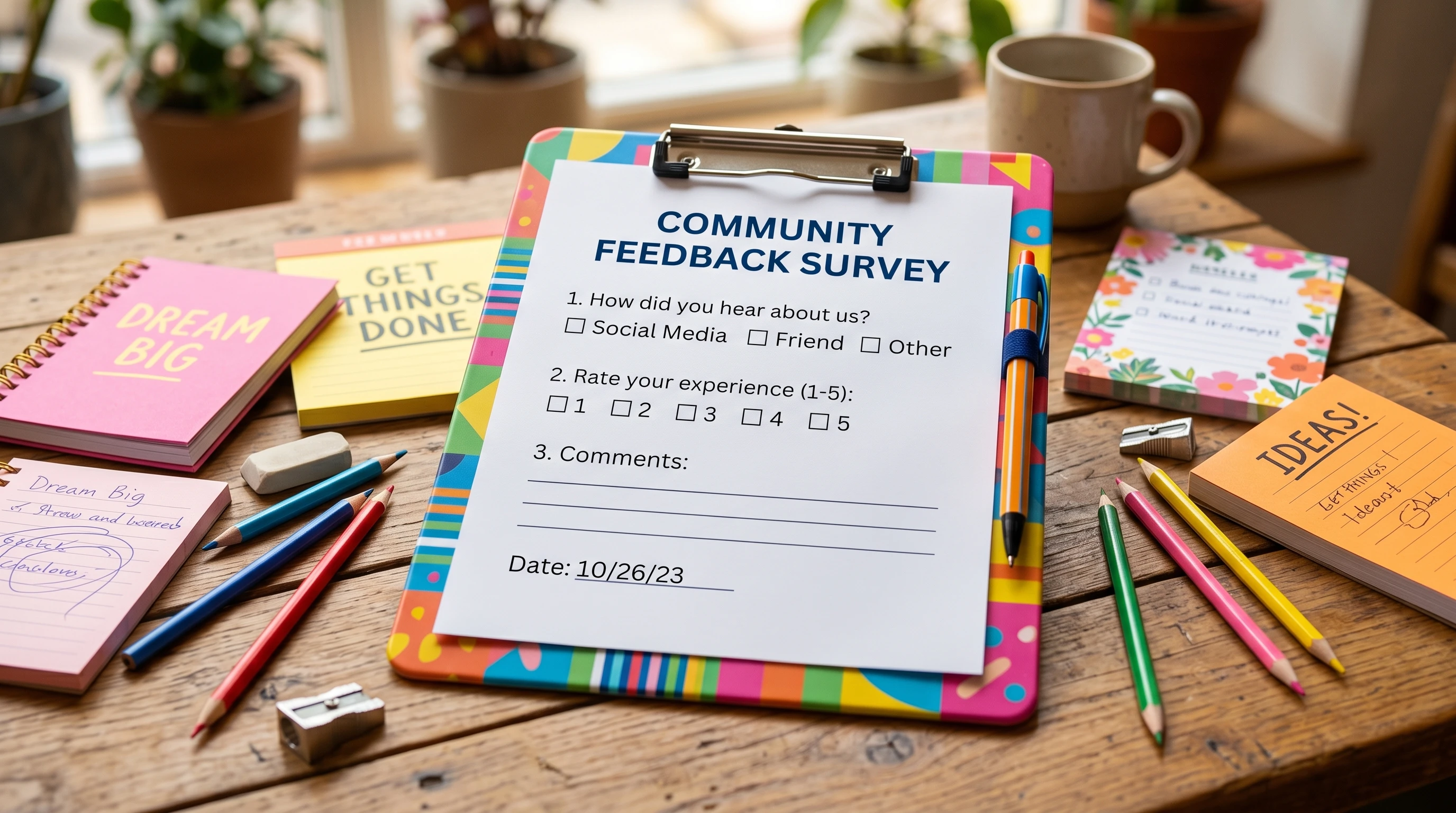
Writing Survey Responses for Seniors takes a bit of thought and care, especially since the feedback seniors provide can shape the products, services, and policies they use every day. Having spent plenty of time helping family members with surveys and even creating a few survey forms myself, I know it’s pretty common to feel that your answers may not matter much, or maybe you’re unsure exactly how honest or detailed you should be. Giving honest and helpful feedback, though, makes a real difference, and it’s easier than you might think.
Understanding Why Senior Survey Responses Matter
Most surveys aim to gather insights from people who actually use a service, attend an event, or buy a product. Seniors make up a growing demographic, and companies, healthcare groups, or community organizations often shape offerings based on what this group shares. Accurate and clear feedback keeps services accessible, helpful, and better tailored for all involved.
Beyond that, sharing your real experiences can highlight what works well (and what doesn’t), helping others down the road. It’s not just about finding out “what’s wrong.” Positive comments can encourage organizations to keep up the good work, which often leads to even more senior-friendly changes in the future.
Best Practices for Senior Survey Responses
Whether you’re filling out a survey online, over the phone, or on paper, a few best practices can help your answers land just right. I’ve gathered some of these from working with other seniors and from research into survey design and response habits. These tips make it more likely your answers will be understood and valued:
- Take Your Time: There’s no rush. Taking a few extra minutes ensures your feedback is thorough and accurate, helping organizations use it more effectively.
- Be Honest: Don’t worry about giving answers you think others might want to hear. Real experiences are way more helpful than ones you think sound “right.”
- Stick to What You Know: Only answer questions you feel comfortable with. If something’s outside your experience, it’s totally fine to mark “not applicable.”
- Be Specific When Possible: Instead of “The doctor’s office was fine,” a comment like “The check-in process was quick, but instructions about the wait time were unclear,” is more helpful for everyone and can help clinics make improvements.
Common Challenges for Seniors Completing Surveys
I’ve watched older friends or relatives get stuck on confusing survey language or bulky online forms. Here are a few challenges seniors often mention, along with useful workarounds I’ve found pretty handy along the way. If you’re aware of these, you can prepare in advance and make the process a lot easier:
- Tech Barriers: Small text, confusing layouts, or missing instructions can trip anyone up. If you’re unsure, there’s no harm in asking a friend, family member, or even a local library tech for help.
- Ambiguous Questions: Sometimes, the survey questions seem vague or oddly worded. My advice: answer in your own words, or leave a comment if the option exists. Clear feedback about unclear questions also helps future versions become easier.
- Lengthy Surveys: Long forms can feel overwhelming. If possible, take breaks or only focus on the important sections; often, you’re not required to answer everything.
- Privacy Concerns: It’s totally reasonable to protect your privacy. Double-check how your data will be used, and skip any questions you’re uncomfortable answering. Reputable surveys will usually explain how responses are handled and why certain questions are asked.
How Seniors Can Write Effective Survey Answers
Getting your main points across in a way that’s clear yet easy for someone else to understand is the secret sauce. Here are a few things that make survey answers especially helpful and make your efforts stand out:
- Use Simple, Direct Language: Write just like you’re talking to a neighbor; no need for fancy words or drawn-out explanations.
- Add Useful Details: If a response box asks how an appointment went, mentioning things like “easy parking,” “friendly staff,” or “long wait time” helps paint a clear picture and shows exactly what was good or could be improved.
- Balance Positives and Negatives: You can share what you liked and what could be better. Both are useful, and mixed feedback is often the most actionable.
- Don’t Stress About Spelling: As long as your meaning is clear, don’t worry about perfect grammar or spelling—what matters is that you’re sharing what happened in a way people can understand.
Helpful Tips for Seniors Completing Surveys
Tackling a survey can seem like a chore, but a few simple habits make it much smoother and even a little enjoyable. These are some that seniors I know keep coming back to, and they can be a game-changer:
- Read Everything First: Skim the survey, so you know what to expect before starting; sometimes, you’ll spot tricky questions ahead of time.
- Gather What You Need: Sometimes questions are about dates, account numbers, or prescriptions. Having these handy saves time and stress in the middle of filling things out.
- Ask About Survey Length: Don’t be shy, if you’re worried about time or energy, check how long the survey should take. If it’s too much, check in about alternative options or shorter versions that might be available.
- Check for “Save” Features: Online surveys often let you pause and return later, so don’t feel like you have to finish everything in one go.
- Prioritize Important Topics: Focus most on sections that matter to you, for example, healthcare, safety, or transportation, as your feedback is especially valuable here.
Writing Honest Feedback in Surveys for Seniors
Your honest opinion has real value, even if you’re not sure exactly what to say. Here are a few suggestions for writing honest feedback in a way that helps everyone and encourages positive changes:
- Be Candid: If a question feels personal or awkward, you can always skip it, or, if you answer, keep it true to your own experience and avoid guessing.
- Keep It Respectful: It’s fine to express frustration, but avoiding insults or sarcasm makes it easier for organizations to take your points seriously and act on your feedback.
- Write Constructively: Instead of just saying “This was bad,” try: “The instructions were confusing for me. Adding clearer steps would have helped,” which points out what needs fixing.
- Share Praise, Too: Organizations love hearing what worked well. Positive feedback leads to positive changes as well and lets them know what to keep doing.
Seniorfriendly Survey Response Templates
Sometimes it helps to see examples of how to answer common survey questions. Here are a few quick templates seniors can use for their next survey. Feel free to tweak these to suit your own voice:
- Experience-based Answer: “The staff explained everything patiently, and I felt comfortable throughout the process.”
- Request for Improvement: “It would help me if the font was larger in your online forms. Reading is a little tough on small screens.”
- Positive Feedback: “I really appreciate how quickly my appointment was scheduled after I called.”
- Specific Critique: “I waited over 30 minutes in the lobby and wasn’t sure if I’d been forgotten. Maybe clearer signs or updates would help.”
How to Answer Surveys Honestly as a Senior: FAQ
It’s normal to have questions about the best way to answer surveys. Here are a few I hear most often, along with quick advice to guide your next response:
How do I know if a survey is trustworthy?
Look for clear contact information, privacy statements, and reputable organizations behind the survey. Never provide sensitive personal info (like Social Security numbers) unless you’re fully confident in the source. When in doubt, check with someone you trust before starting.
What if I don’t understand a question?
It’s okay to skip questions you’re confused about or use the “comments” box to say what part tripped you up. Vague feedback is less helpful than clear, honest answers, even if they’re brief!
Am I allowed to only fill out part of a survey?
Yes, you aren’t required to answer every question. Most surveygivers prefer quality over quantity. Focus where your feedback is most useful or where you feel confident sharing; a complete but rushed survey doesn’t help as much as a partial one with thoughtful answers.
What should I do if I need help completing a survey?
Reach out to someone you trust, such as a friend, family member, or a staff member at your library or community center. Many groups are happy to guide seniors through forms or unfamiliar technology, and you might make a new connection along the way.

Where to Find More Resources on Best Practices for Senior Survey Responses
If you want to get more confident or skilled with survey forms, look for guides or workshops at your local senior center, or ask your library about classes on computer basics. Community groups sometimes even offer “survey parties” where filling out forms as a group makes things less daunting and sometimes even fun. Sites like AARP or trusted health networks often share new tips, so it’s worth checking now and then for updates tailored specifically to older adults. Even if you’re already comfortable with surveys, you might stumble upon a new trick or shortcut that makes things even easier.
Final Thoughts
Writing Survey Responses for Seniors doesn’t have to be stressful or boring. Thoughtful, specific, and honest feedback helps organizations serve you better and gives others a voice in shaping our communities. With a few simple tips on hand, responding to surveys can be a lot more straightforward and might even help you reflect on your own experiences or preferences. The next time a survey lands on your desk or inbox, treat it as a small opportunity to make real changes for yourself and for other seniors. If you ever feel unsure, remember there’s usually help available and every response, big or small, helps shape a better environment for everyone.
This article was created with AI assistance and reviewed by a human editor.