Working online as a retiree or semi-retiree can add income and give your days more structure. It also puts your name, email address, phone number and bank details in front of strangers, and some of those strangers are looking for exactly that. Online safety for seniors comes down to a handful of habits and tools that protect your accounts and your money without requiring technical skill.
This guide covers the main ways people get targeted, the tools worth setting up first, how to tell a real platform from a fake one, how to handle personal data when you work for clients, and how to keep a routine that lets you stop worrying about all of it.
The digital threat landscape for seniors
Most online fraud does not involve clever hacking. It involves persuading a person to hand over something willingly: a password, a payment, a code, or access to their computer. Scammers favor methods that work on anyone who is busy, trusting or unfamiliar with a particular technology, which is why people new to the internet are targeted so often.
These are the threats you are most likely to meet when you start earning online.
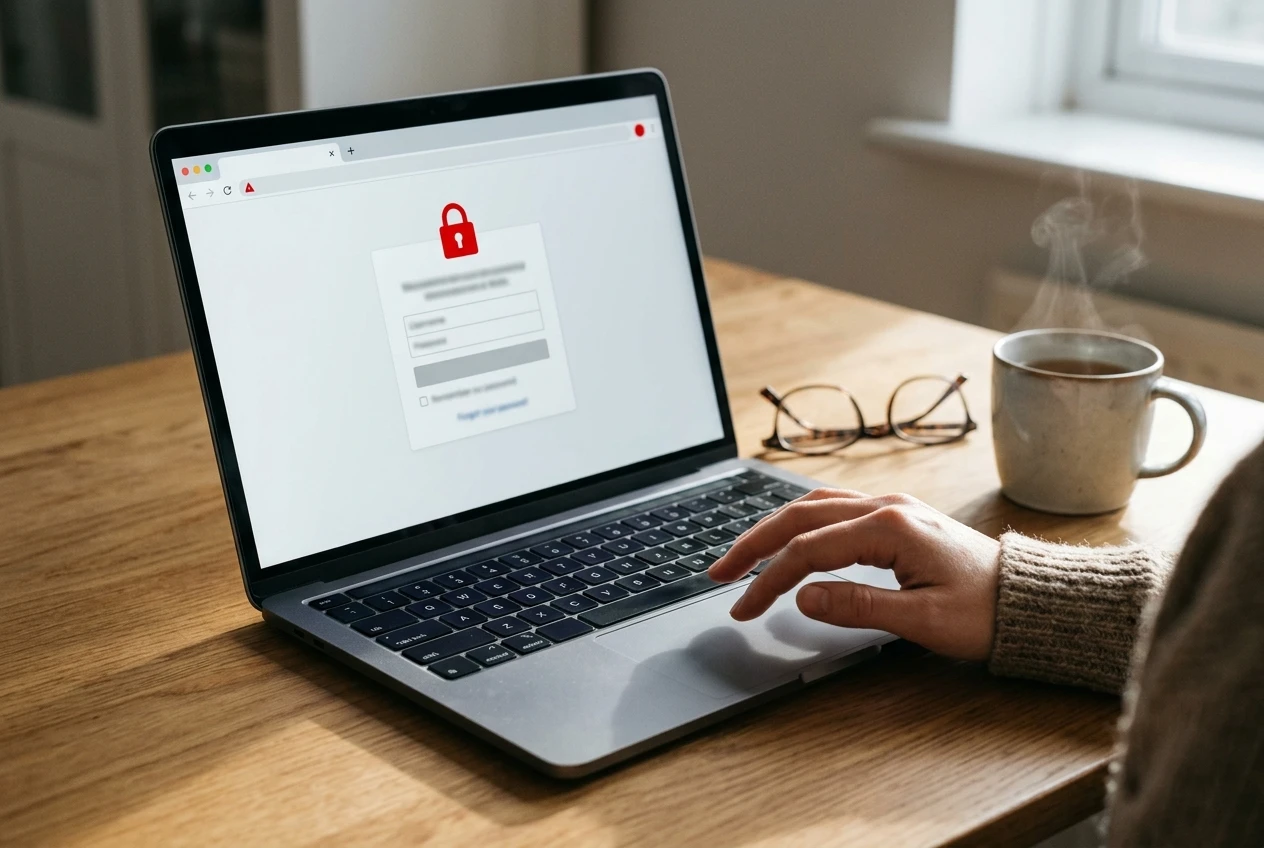
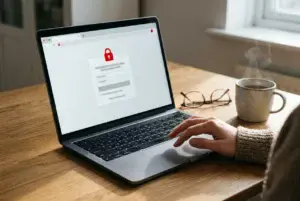
- Phishing emails and texts. A message appears to come from your bank, a payment service or a platform you use. It says your account is locked or a payment failed, and it links to a fake login page that copies your password the moment you type it.
- Tech support scams. A pop-up warns that your computer is infected and gives a phone number. The person who answers asks to connect remotely to your machine, then charges you to fix a problem that never existed.
- Fake job and task offers. You receive an unsolicited message offering easy work at high pay. The “employer” asks for a fee, for equipment money, or for your bank login so they can “set up payroll.”
- Overpayment scams. A “client” sends a check or payment for more than the agreed amount and asks you to return the difference. The original payment later turns out to be fake or reversed, and the money you sent back is gone.
- Fake invoices and payment requests. A bill arrives for software, a subscription or a service you never ordered, hoping you will pay without checking.
- Account takeover. If you use the same password on several sites and one of them suffers a data breach, criminals try that password everywhere else, including your email and payment accounts.
Nearly every one of these relies on urgency. The message says to act now, or the account closes, or the offer ends today. Real companies sometimes set deadlines, but a genuine deadline survives a short delay while you check. If you remember one point from this section, remember that pressure is a warning sign by itself.
For a wider look at fraud aimed at older adults, see our article on protecting seniors from online scams and fraud.
Essential security tools you need today
You do not need expensive software or an understanding of how networks work. A few tools, set up once, remove the most common risks. Work through them in this order, since each protects the one after it.
A password manager
A password manager stores all your passwords in one encrypted vault and fills them in for you. You remember one strong master password, and the manager creates a long, random, unique password for every site. That solves the biggest weakness for most people, which is reusing the same few passwords everywhere.
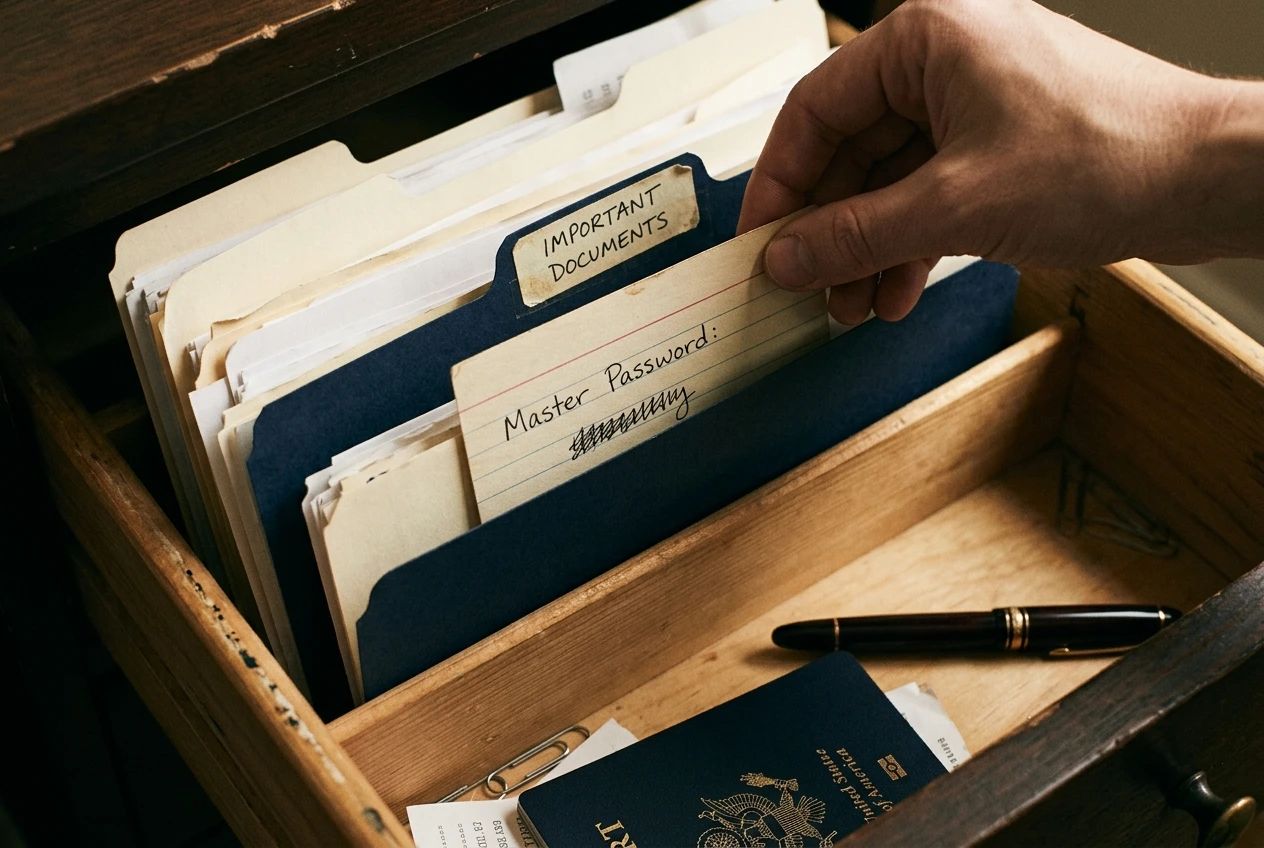
Choose a well-known manager from a reputable company, and read independent reviews before you pick one. Several browsers and phones also include a built-in manager that works well for beginners. Write the master password on paper and keep it somewhere secure at home, such as with your important documents. Do not keep it in a file on your computer or in a note on your phone.
Two-factor authentication
Two-factor authentication, often shortened to 2FA, asks for a second proof of identity when you log in, usually a code. Even if a criminal learns your password, they cannot get in without that code.
Turn it on first for these accounts:
- Your main email account, because a stolen email lets an attacker reset the passwords on everything else.
- Any payment service where you receive money.
- Your bank accounts.
- The platforms where you find work.
Codes sent by text message are better than nothing. An authenticator app on your phone is stronger, because the codes are generated on the device and cannot be intercepted as easily. Never read a code aloud to someone who phones you, and never type one into a page you reached through a link in a message. A legitimate company will not ask you for a code it just sent you.
Software updates
Updates fix security holes that criminals already know about. Turn on automatic updates for your computer, your phone, your web browser and any apps you use for work. If you keep postponing the restart a computer asks for, pick a regular time, such as Sunday evening, and let it finish.
Built-in antivirus and a safe browser
Current versions of Windows and macOS include protection against malicious software. Keep it switched on, and do not install a second program because a pop-up told you to. Genuine warnings come from software you chose to install, not from a window that appears while you read a web page. If you see one that demands a call or a download, close the browser tab. If it will not close, restart the computer.
A separate email address for work
Use one email address for family and friends, and a second for anything connected to earning money: platform sign-ups, client messages, payment accounts. If the work address starts receiving spam, or gets exposed in a breach, your personal inbox stays unaffected. It also makes it easier to spot a fake, because a message about your work account that arrives at your personal address is suspicious by default. Our guide on creating and managing email accounts safely covers the setup in more detail.
Backups
Keep a copy of your important files, such as client documents, invoices and tax records, somewhere other than your computer. An external drive works, and so does a cloud storage service. If the computer fails, is stolen or is locked by malicious software, you lose nothing. Our article on cloud storage and its benefits for seniors explains the options.
Your home network
Change the default password on your Wi-Fi router, and use a network name that does not include your name or address. Avoid doing banking or entering payment details on public Wi-Fi at a cafe or library. If you must work away from home, your phone’s mobile data connection is safer than a shared network.
How to verify legitimate platforms vs scams
Before you give any website your email address, let alone your identity documents, spend ten minutes checking it. This habit blocks more scams than any software does.
The one rule that rules out most scams
A real opportunity to earn money does not charge you to start. Legitimate survey sites, freelance marketplaces and microtask platforms are paid by the companies that hire the workers, not by the workers themselves. If a site asks for a registration fee, a “training kit,” a deposit or a purchase before you can begin, treat it as a scam and leave.
Platforms do take a share of your earnings as a fee, and some freelance marketplaces charge fees on completed work. The difference is that those fees come out of money you have already earned, and they are stated clearly in the terms before you sign up.
A verification checklist
Run through these questions about any platform or client you have not used before.
- Did you find them, or did they find you? An unsolicited message about work you never asked about deserves much more suspicion than a platform you looked up yourself.
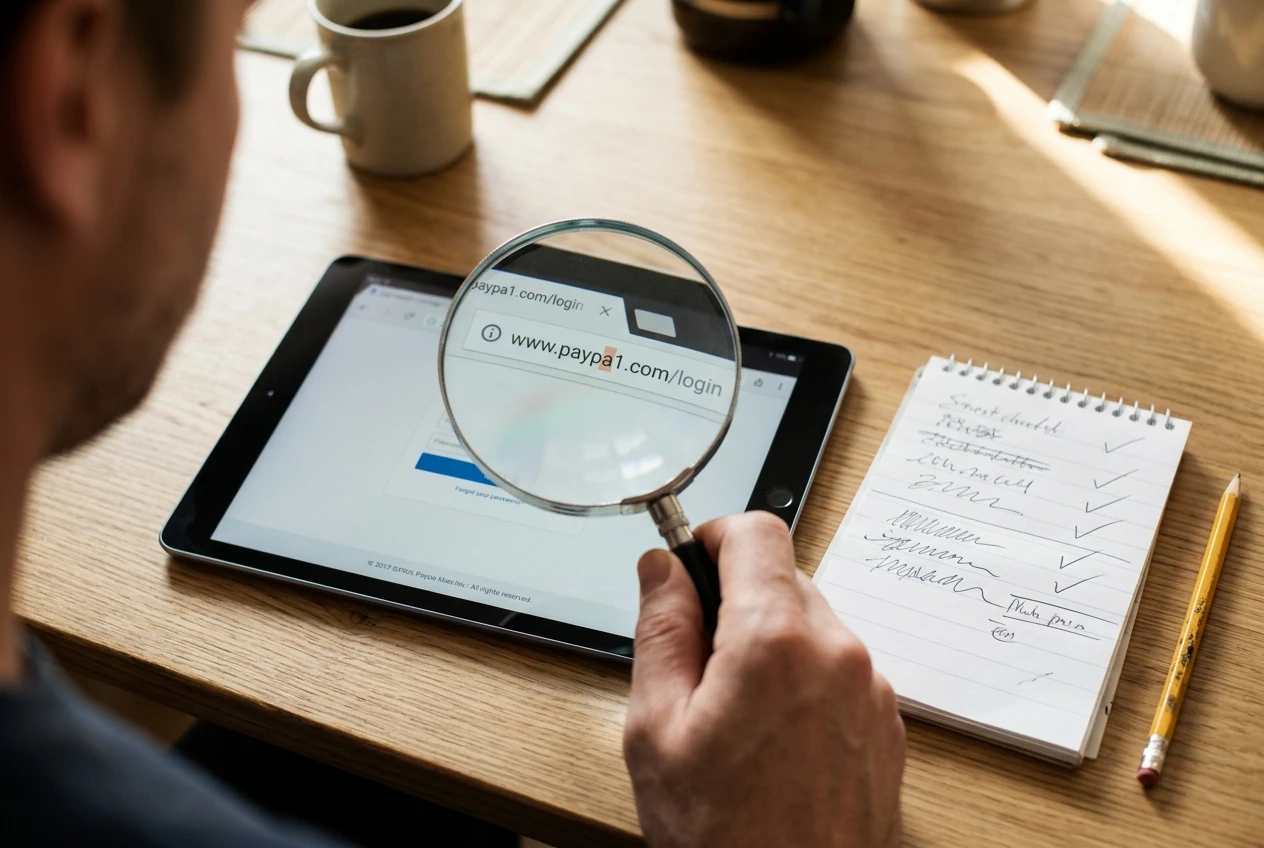
- Is the web address correct? Read the address in the browser bar letter by letter. Fake sites often change one character, add a word, or use an unusual ending. Type the address yourself instead of clicking a link in a message.
- What do independent sources say? Search the company name together with words like “reviews” and “scam.” Look for several unrelated sources, not only testimonials on the company’s own pages.
- Is there real contact information? A legitimate business lists a physical address, a working email on its own domain and clear terms of service. A free webmail address for a supposed large employer is a red flag.
- How do they want to pay you? Genuine payers use established payment services or direct bank transfers. Requests to be paid in gift cards, cryptocurrency or wire transfers should end the conversation.
- What do they ask of you? Asking for a bank login, a copy of your passport, or remote access to your computer before any work has been done is not normal.
- Are they rushing you? Scammers push for fast decisions because delay gives you time to check.
Check the payer, not only the platform
A real platform can still host a fake client. On freelance marketplaces, keep all communication and payment inside the platform, where the company can see what happens and step in if something goes wrong. A client who asks you to move to private messaging, or to accept payment outside the site, is often trying to avoid the platform’s protections.
If a payment arrives that is larger than agreed, do not send back the difference. Contact the platform or your bank, explain what happened, and wait until they confirm the funds are genuine and cleared.
Our articles on how to avoid online survey scams and legitimate online survey sites for seniors apply these checks to survey and microtask sites in particular. If you are weighing gig work more broadly, the senior guide to navigating the gig economy helps you pick where to start.
Managing your private data as a freelancer
Working for clients means sharing some personal information. The aim is to share what is needed, with the right people, at the right time, and nothing more.
Share information in stages
Most work needs very little personal detail at the start. A name you work under, a work email and a description of your skills are usually enough to begin a conversation. Hold back sensitive details until a client has been confirmed as real and a written agreement exists.
- Before any agreement: share only your name, work email and relevant skills or samples.
- After you have agreed terms: share the details needed to get paid, usually through the platform’s own payment system.
- For tax purposes: a legitimate business that pays you directly may need a tax form. In the United States, that is typically a W-9, which asks for a tax identification number. Provide it only after you have confirmed that the business is real, and send it through a secure channel, not as a photo attached to an ordinary email.
You should almost never need to send a photo of your driver’s license or passport to someone who has not yet paid you. The exception is a platform that verifies identity as part of its own sign-up process, which you reached by typing its address yourself.
Keep your money separate
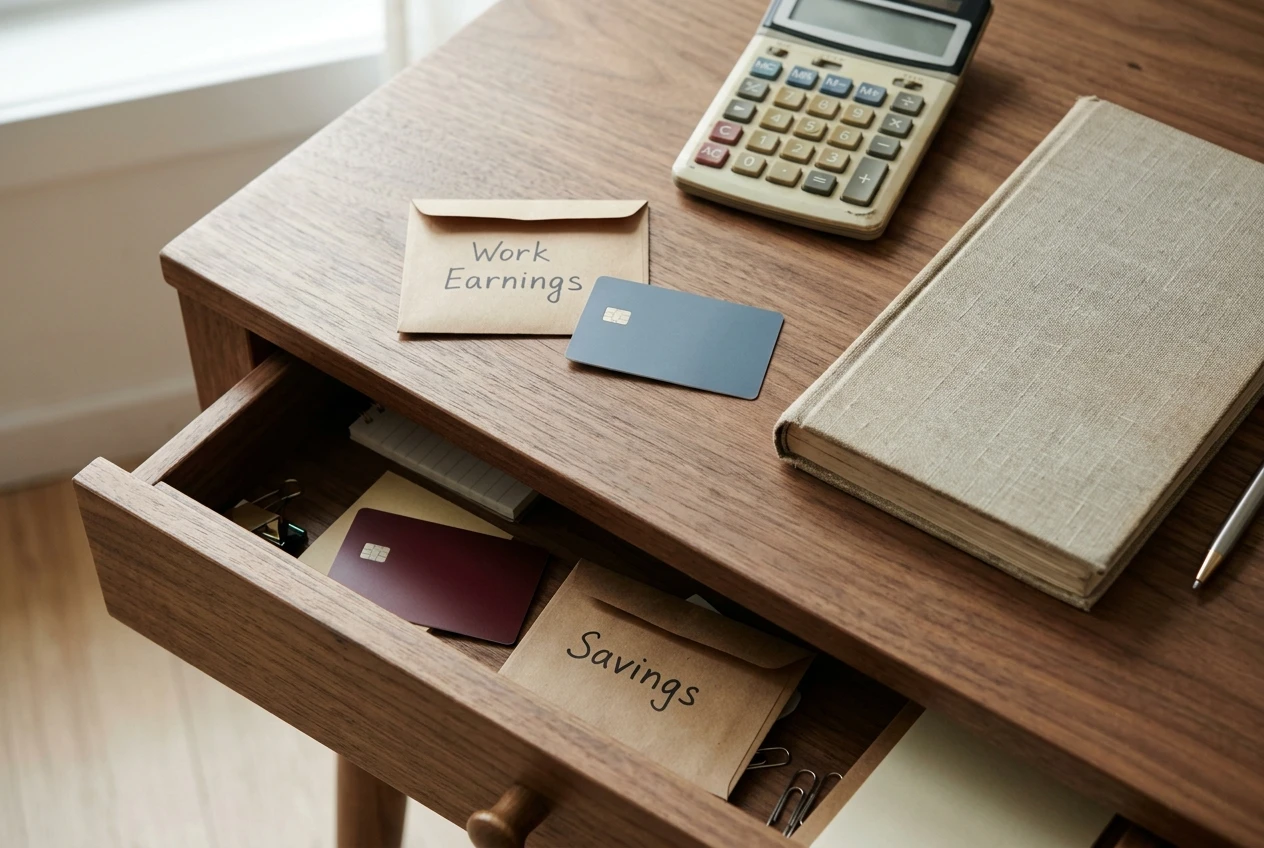
Consider opening a separate bank account, or using a payment service account, that you use only for your online earnings. If anything goes wrong, the problem stays contained, and your savings and retirement funds stay out of reach. A separate account also makes record-keeping and tax time simpler, because every payment you received is in one place. Our article on payment methods for online surveys and microtasks compares common ways to get paid.
Be careful on social media and public profiles
Information you post publicly can be used against you. Birth dates, home addresses, the names of relatives and your pet’s name are all common answers to security questions, and scammers read profiles to build convincing stories. If you promote your work on social media, keep a professional profile that shows your skills and leaves out your home address and family details. Our guide to using social media for business covers how to present yourself without oversharing.

Handle files and calls with care
- Open attachments only when you expected them from a sender you can identify. If a client you know sends an unexpected file, confirm by phone or a separate message before opening it.
- Use the video conferencing tool you chose yourself, and be wary of meeting links from strangers. See our article on video conferencing tools for remote work for how to set up meetings safely.
- Delete client documents you no longer need, and keep the ones tax rules require you to keep in your backup.
- Log out of work accounts on shared or borrowed computers, and never save passwords in a browser that someone else uses.
Know what you have shared
Keep a simple list, on paper or in a document, of every platform where you have an account and what information each one holds. When you stop using a platform, close the account and delete the data it allows you to remove. An old, forgotten account with your details is a risk that grows quietly.
Maintaining peace of mind while you earn
Safety works best as a routine that takes little effort, so you can spend your attention on the work itself.
A short monthly check
Set aside twenty minutes once a month, on the same day, to go through these points:
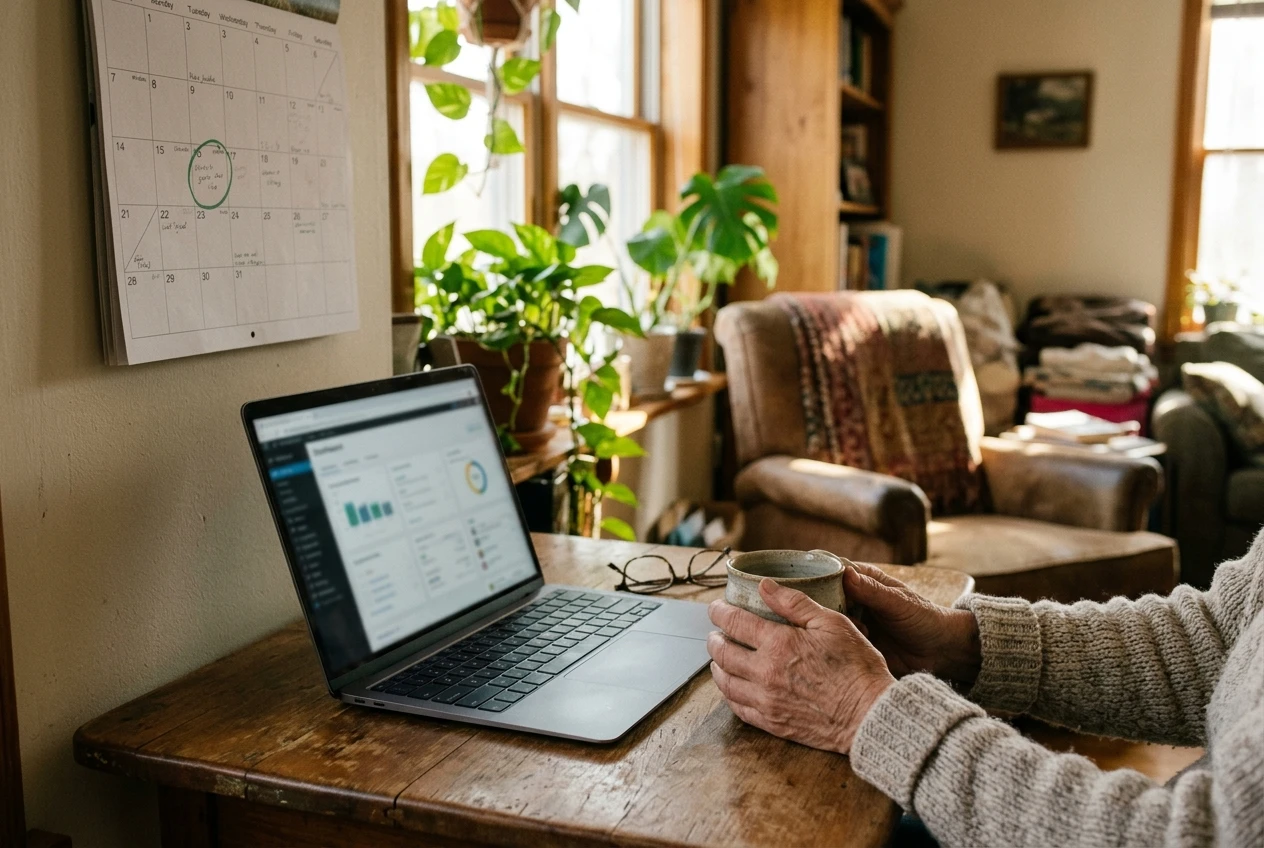
- Look through your bank and payment account activity for anything you do not recognize.
- Confirm that updates have been installed on your devices.
- Check that your backup ran and that you can open a recent file from it.
- Delete any accounts or apps you no longer use.
- Review the list of platforms you work with and note any that changed their terms or fees.
Many banks and payment services also offer alerts by text or email for every payment or login. Turn these on, because they tell you about a problem within minutes instead of weeks.
Use a waiting rule
Adopt a personal rule that you never send money, share a code or hand over personal details on the day you are asked. Wait at least a few hours, and preferably overnight. Use that time to run the verification checklist, and talk the request over with someone you trust. A genuine client will accept a short delay. A scammer will push harder, and the pressure itself tells you what you need to know.
Have someone to ask
Choose a person you trust, a family member, a friend or a fellow member of an online community, and agree that you can show them any message that worries you. A second opinion costs nothing, and many scams collapse as soon as someone else reads the message. Mistakes happen to careful people too, and a person to ask makes them easier to catch early.
Know what to do if something goes wrong
If you suspect you have been scammed or your account has been compromised, act quickly and in this order:
- Change the password for the affected account, and for any other account that used the same one.
- Contact your bank or payment provider right away, and ask them to block or reverse any suspicious transactions.
- Turn on two-factor authentication if it was not already active.
- Report the incident to the consumer protection authority in your country. In the United States, that is the Federal Trade Commission, which takes reports online.
- Tell someone you trust, so you do not carry it alone.
Being scammed says nothing about your intelligence. These schemes are designed by people who do it for a living, and reporting quickly helps both you and the next person who receives the same message.
Build skills at your own pace
Confidence with technology grows by practice. If a particular task, such as setting up two-factor authentication or fixing a pop-up problem, feels unfamiliar, work through it slowly with a guide open beside you. Our articles on troubleshooting common computer issues and the essential digital skills seniors need to make money online are written for people building these skills step by step.
Earning money online at any age is realistic with careful habits. A password manager, two-factor authentication, a separate work email, a verification routine and a trusted person to ask will protect you from most of the risks described here.
Ready to put this into practice? Download our checklist for online security and keep it beside your computer.
This article was created with AI assistance and reviewed by a human editor.